Customer account

AKITAJP PRO / Excalibur

Excalibur

Drying fruit, vegetables and herbs

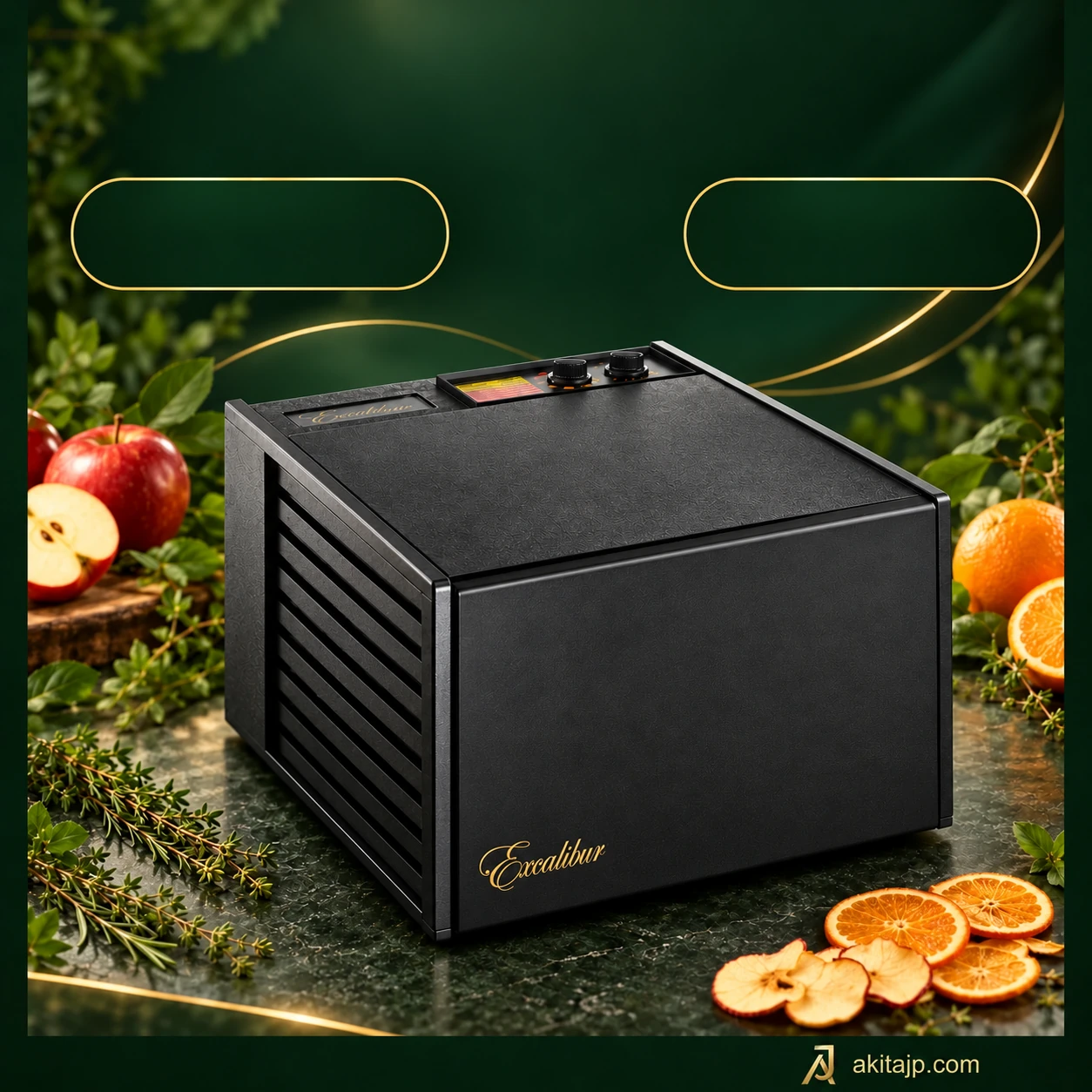
Excalibur 4526TCDB
01Excalibur 4526TCDB
Included trays5
ControlsAnalog
Power440 W
Excalibur 4526TCDB
Excalibur 4526TCDB

01 Excalibur

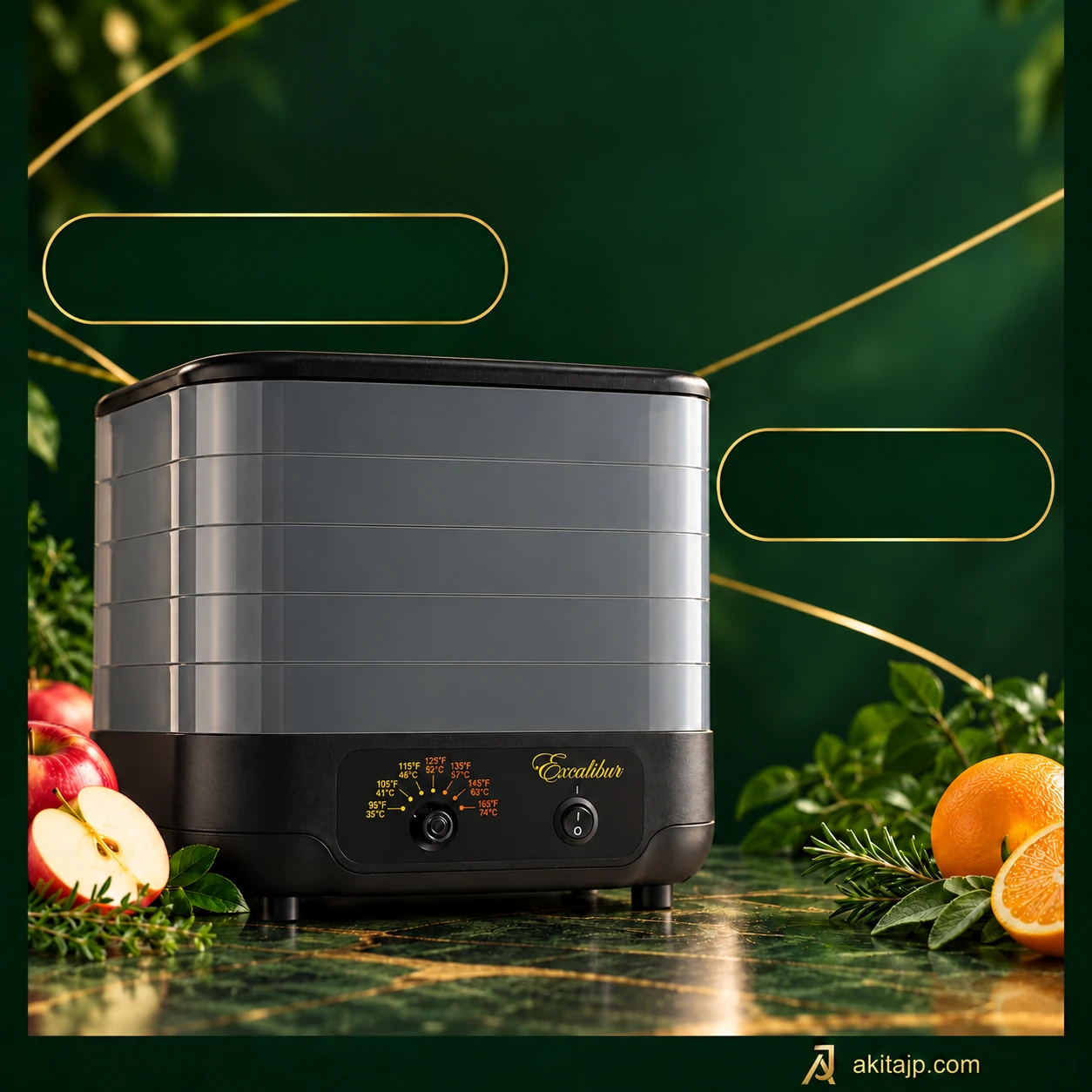
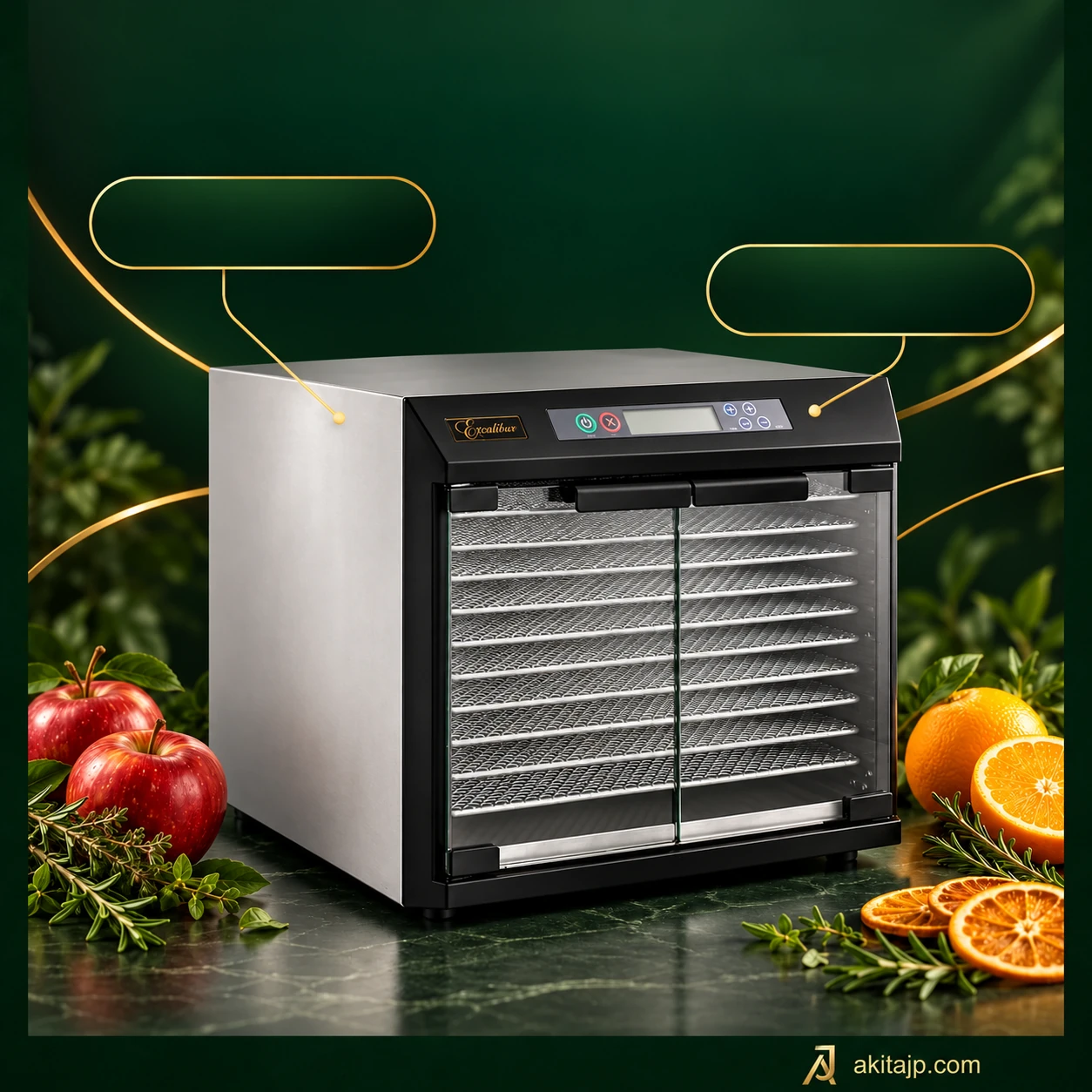
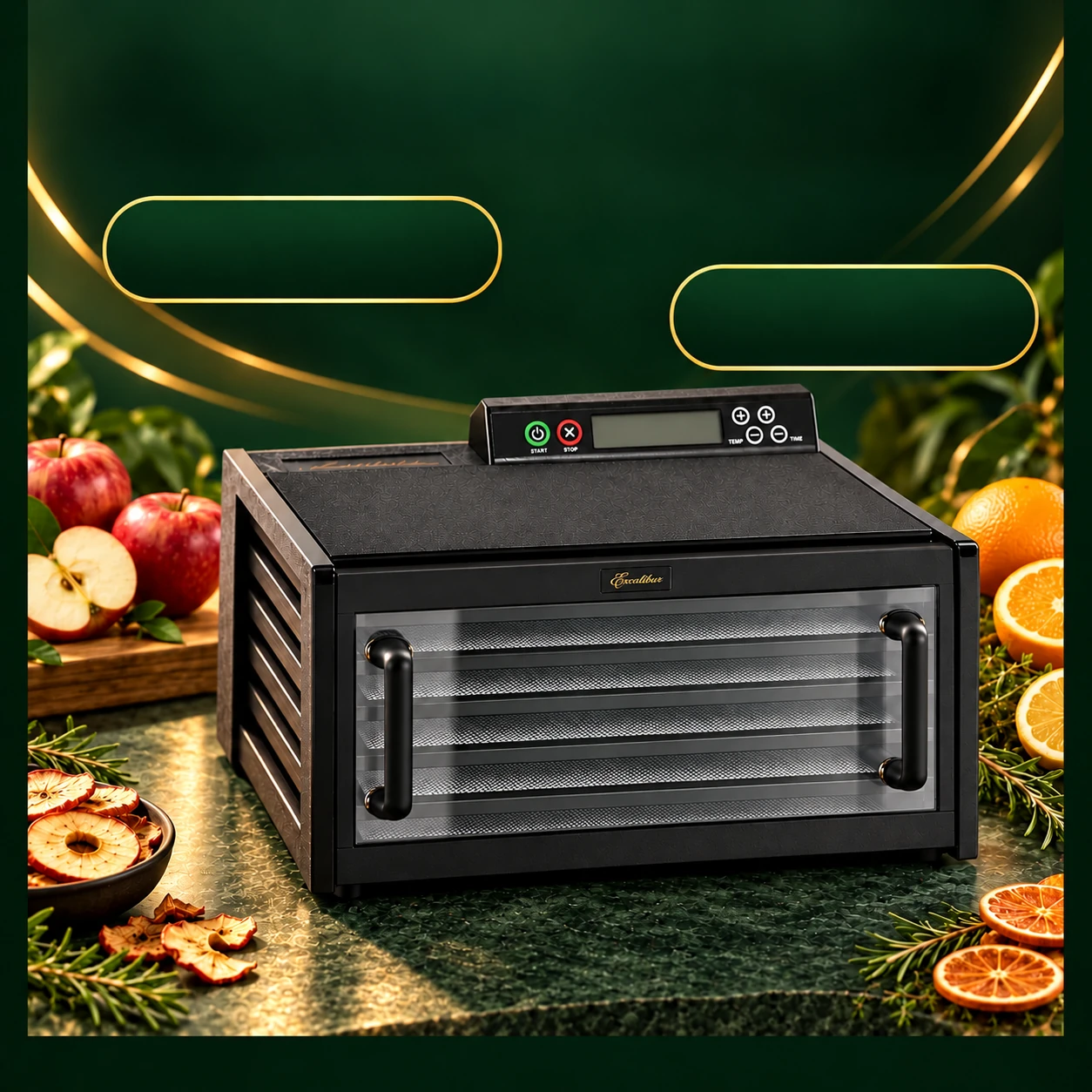
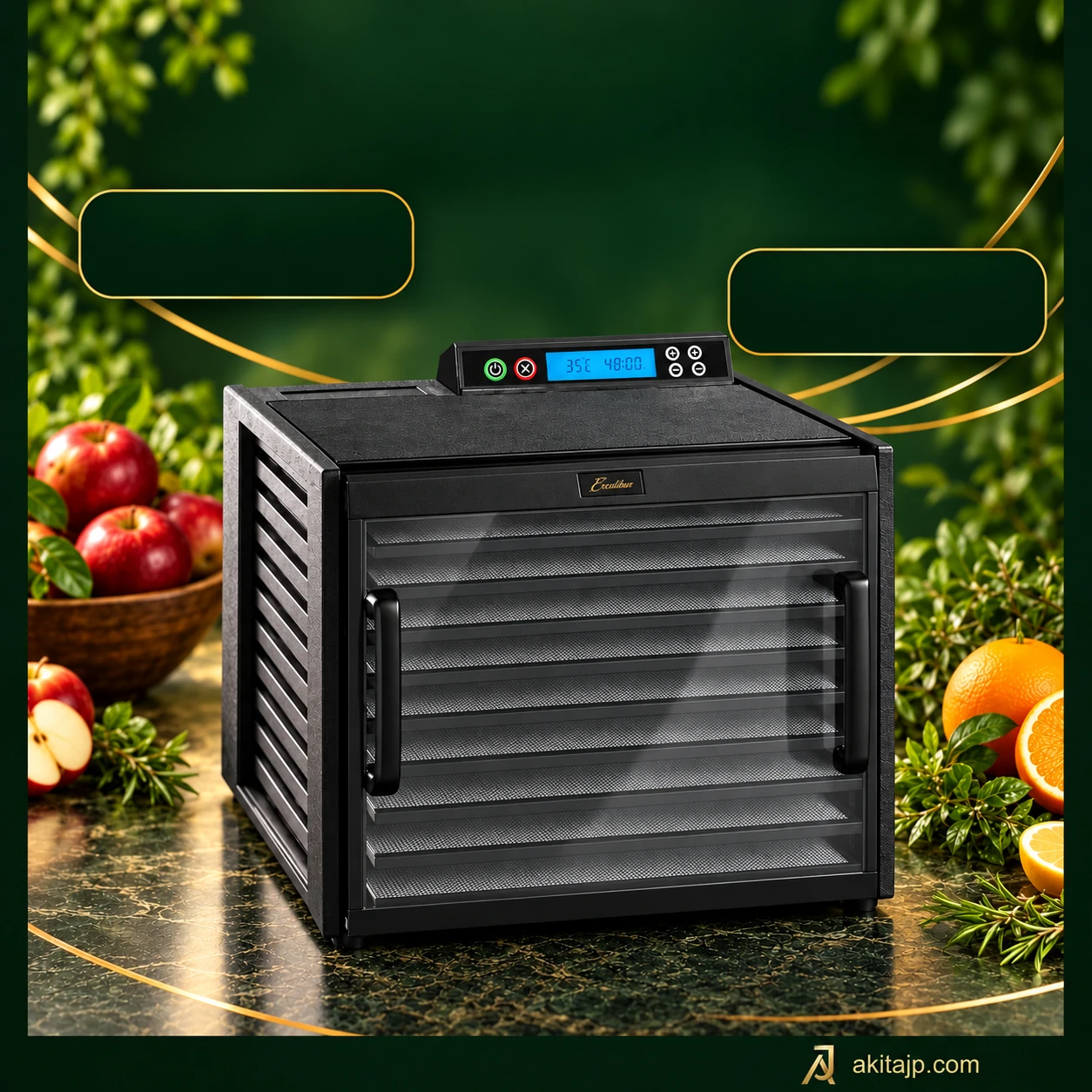
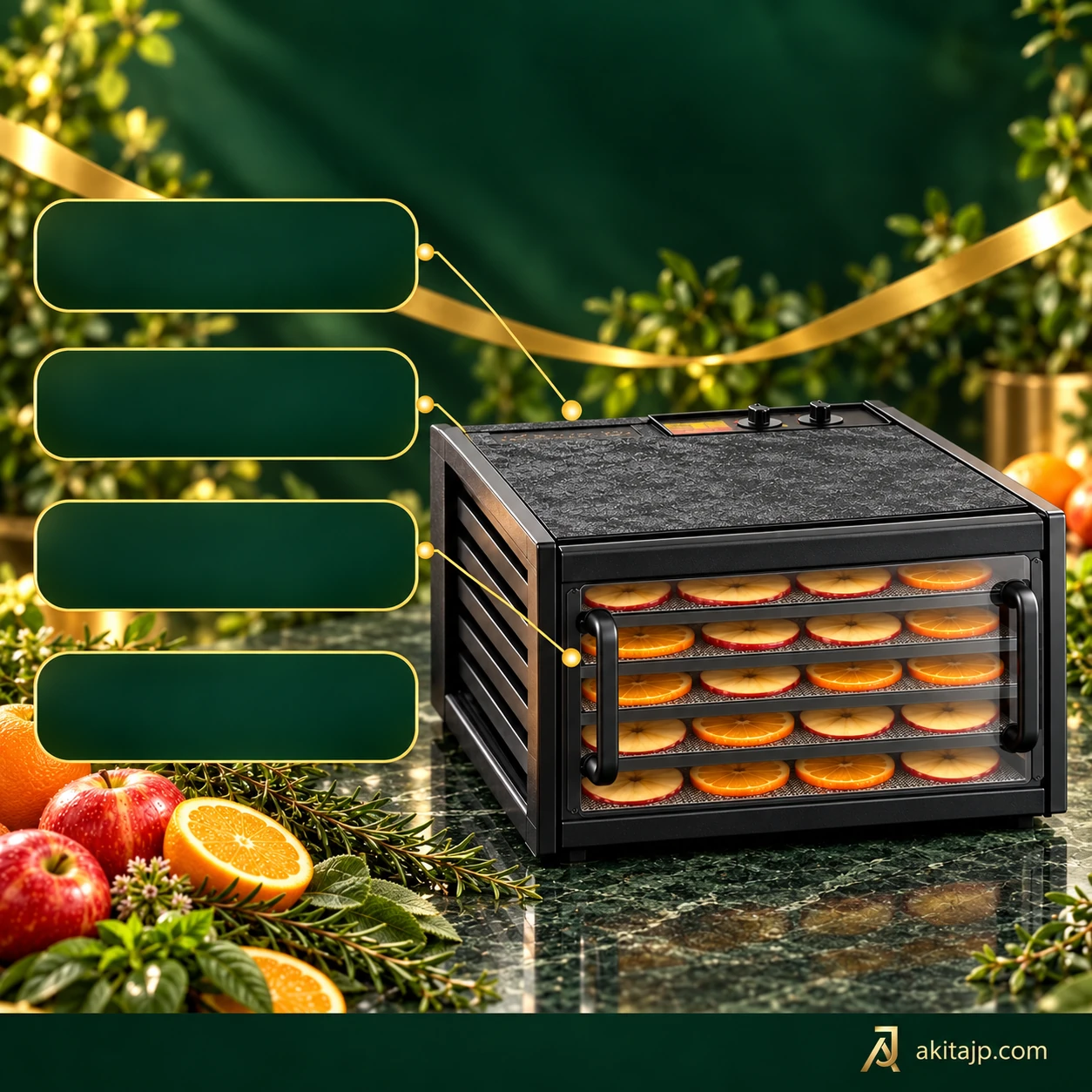
Five trays with a clear view

Use the five separate levels to spread evenly cut fruit, sliced vegetables or herbs without piling ingredients together. A clear front helps you follow changes in colour and surface texture, although it cannot establish that the centre of a piece is dry. Inspect the food itself towards the end of the session.

The analogue controls set one drying temperature and a countdown; they do not provide the two-stage programming of the digital CDFB models. Regional reference details identify a 440 W version and a thermostat around 41–74°C. Confirm the supplied rating plate, plug and exact door construction because similar Excalibur codes vary by market.

Excalibur 4526TCDB
Excalibur 4500220F
Excalibur 4500220F

02 Excalibur

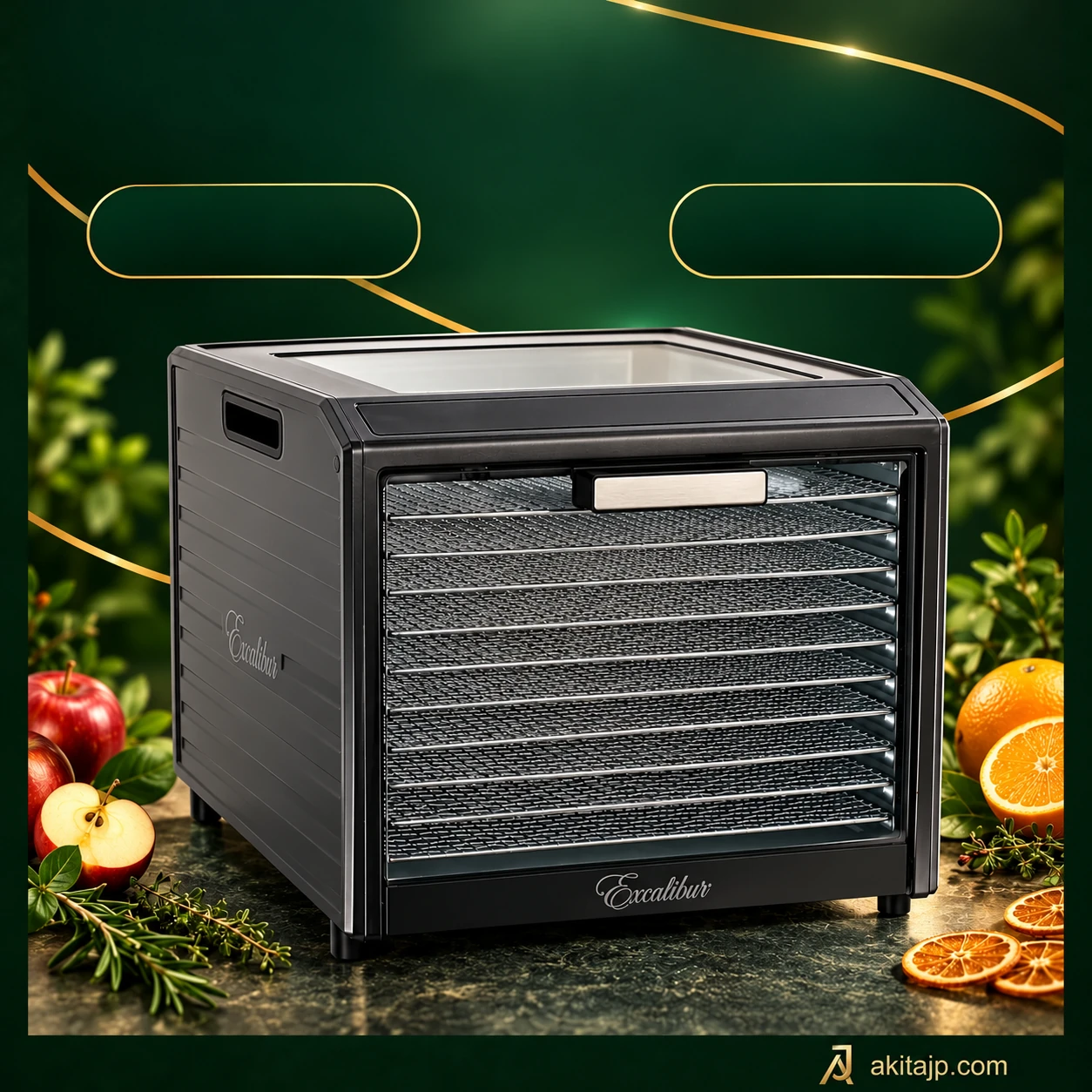
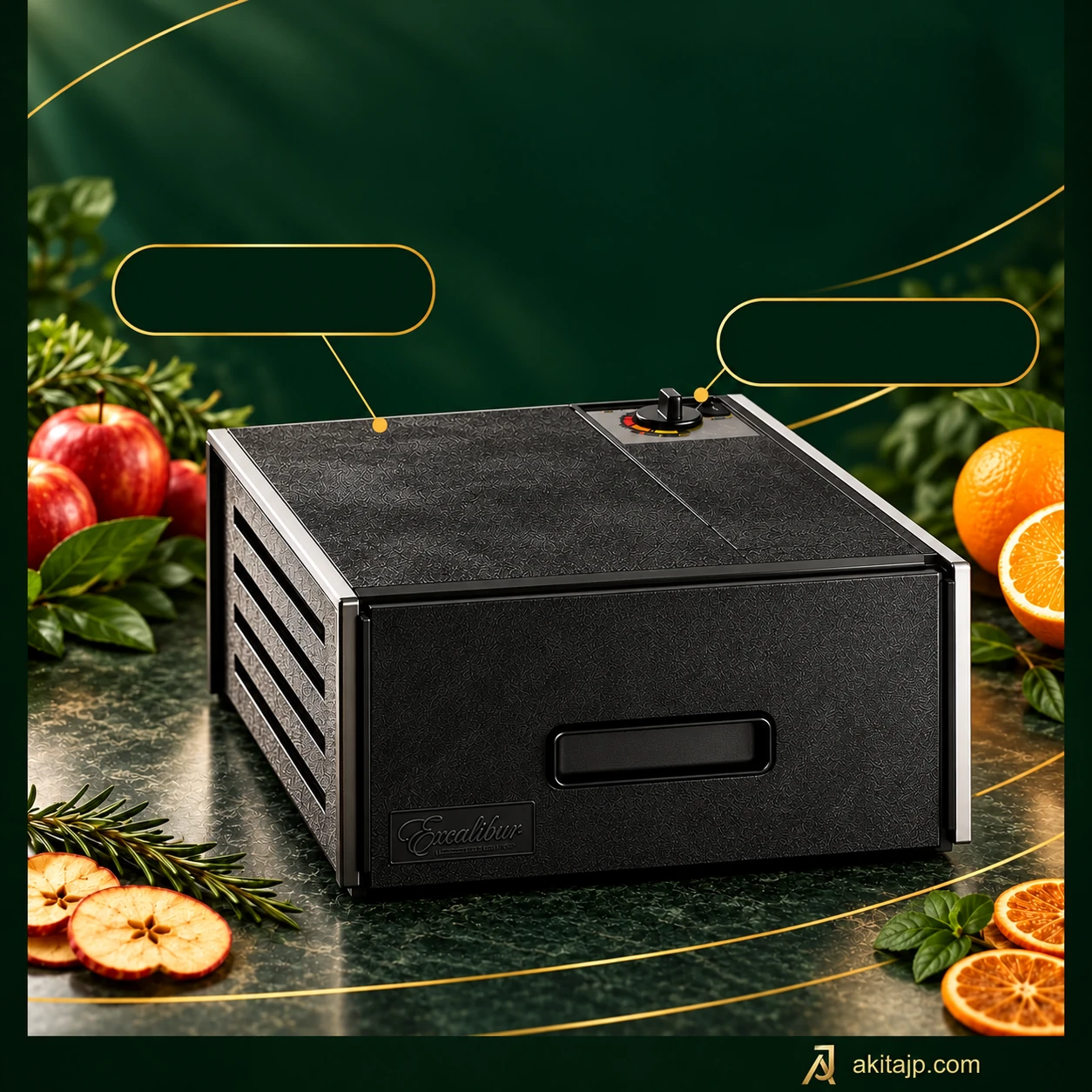
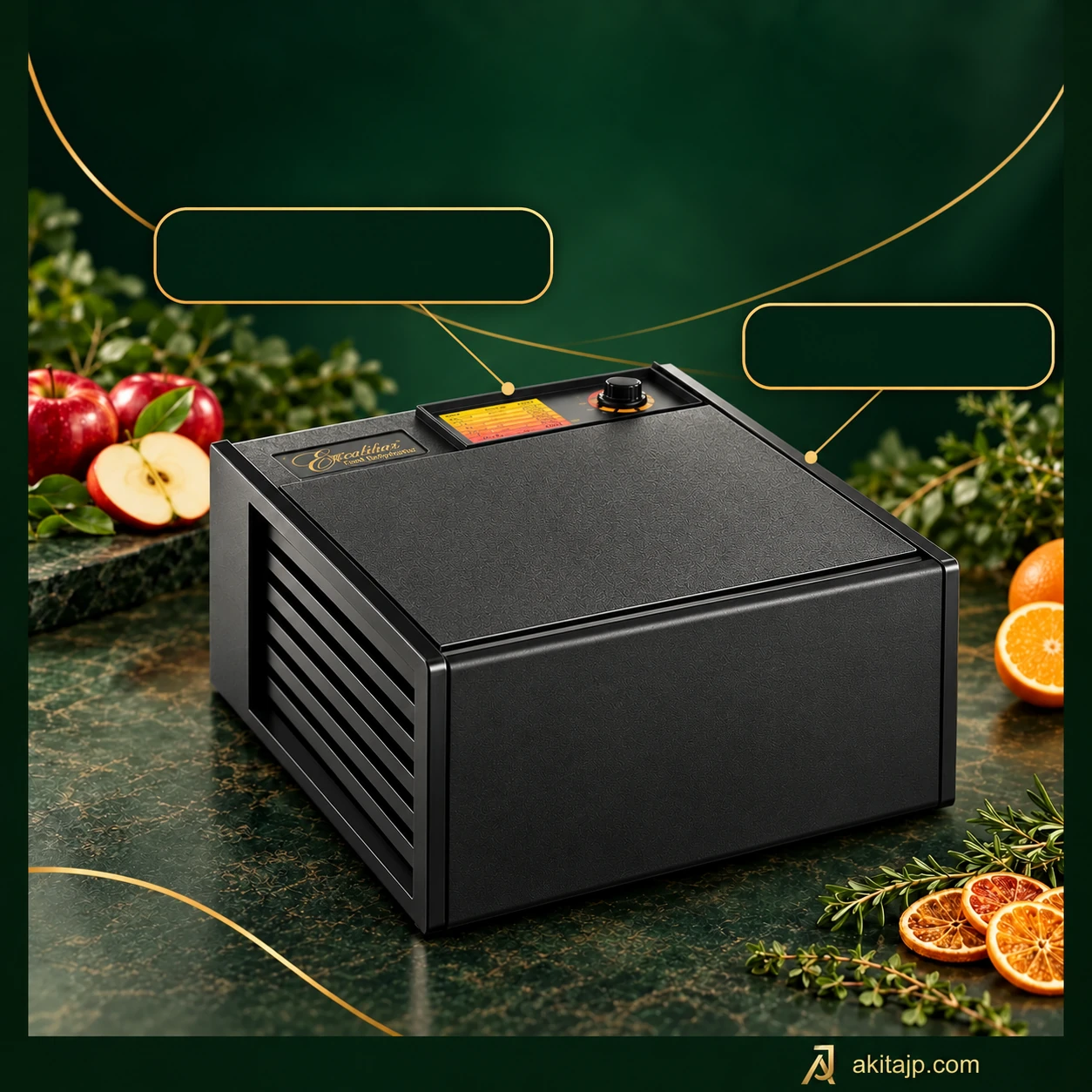
A simple cabinet for planned sessions

Five sliding trays make it practical to prepare modest batches of apple slices, vegetable pieces or garden herbs. With an opaque front, checking the food means removing the door rather than looking through a window. Plan those checks around the ingredients instead of opening the cabinet repeatedly at the start.

Without a countdown, the appliance needs you to manage the end of drying. A reminder can help you remember to inspect the batch, but do not connect an external switching timer unless the supplied instructions expressly allow it. The retained regional reference lists 440 W and approximately 41–74°C; electrical compatibility and the exact package need confirmation.

Excalibur 4500220F
Excalibur Cube ECB52BF

03 Excalibur

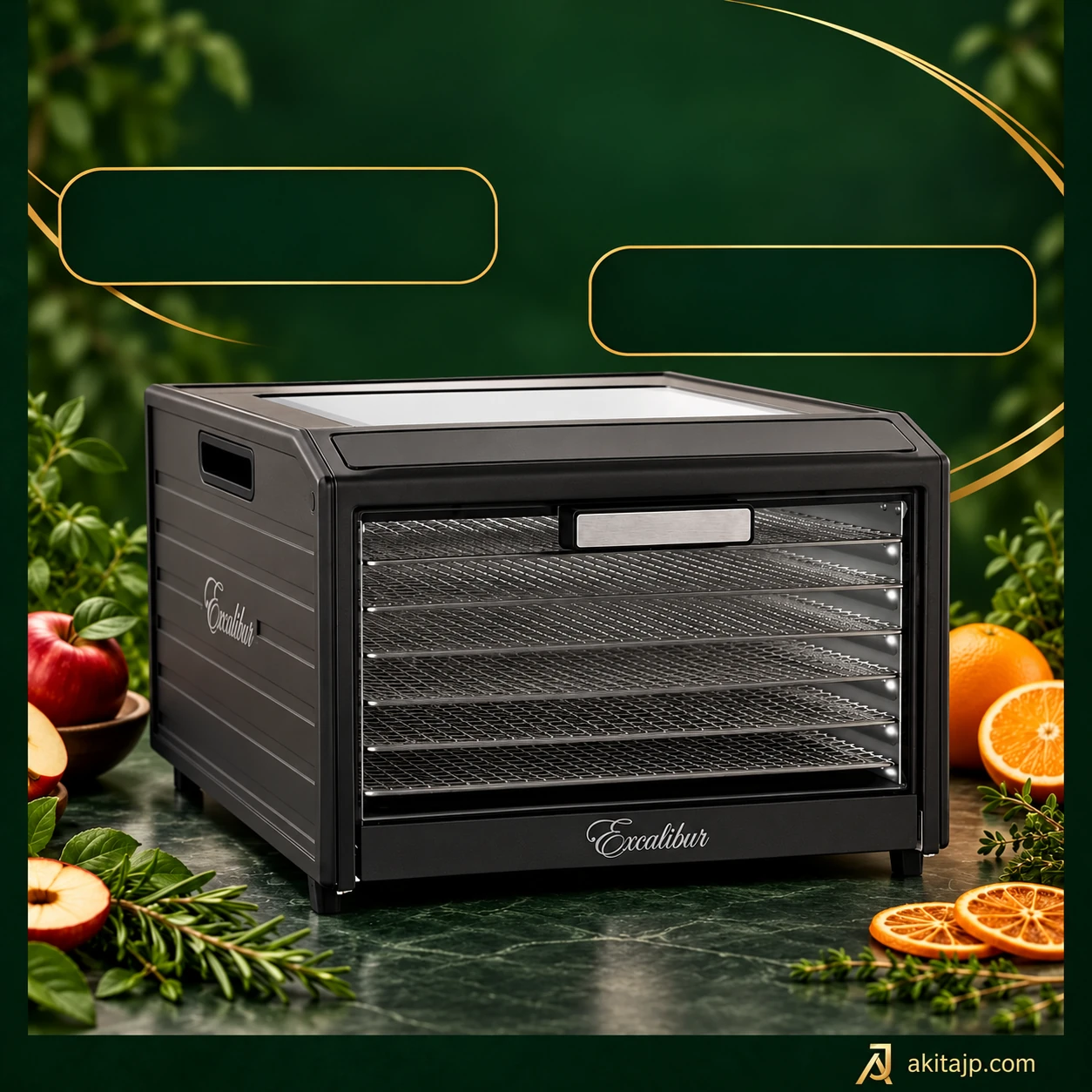
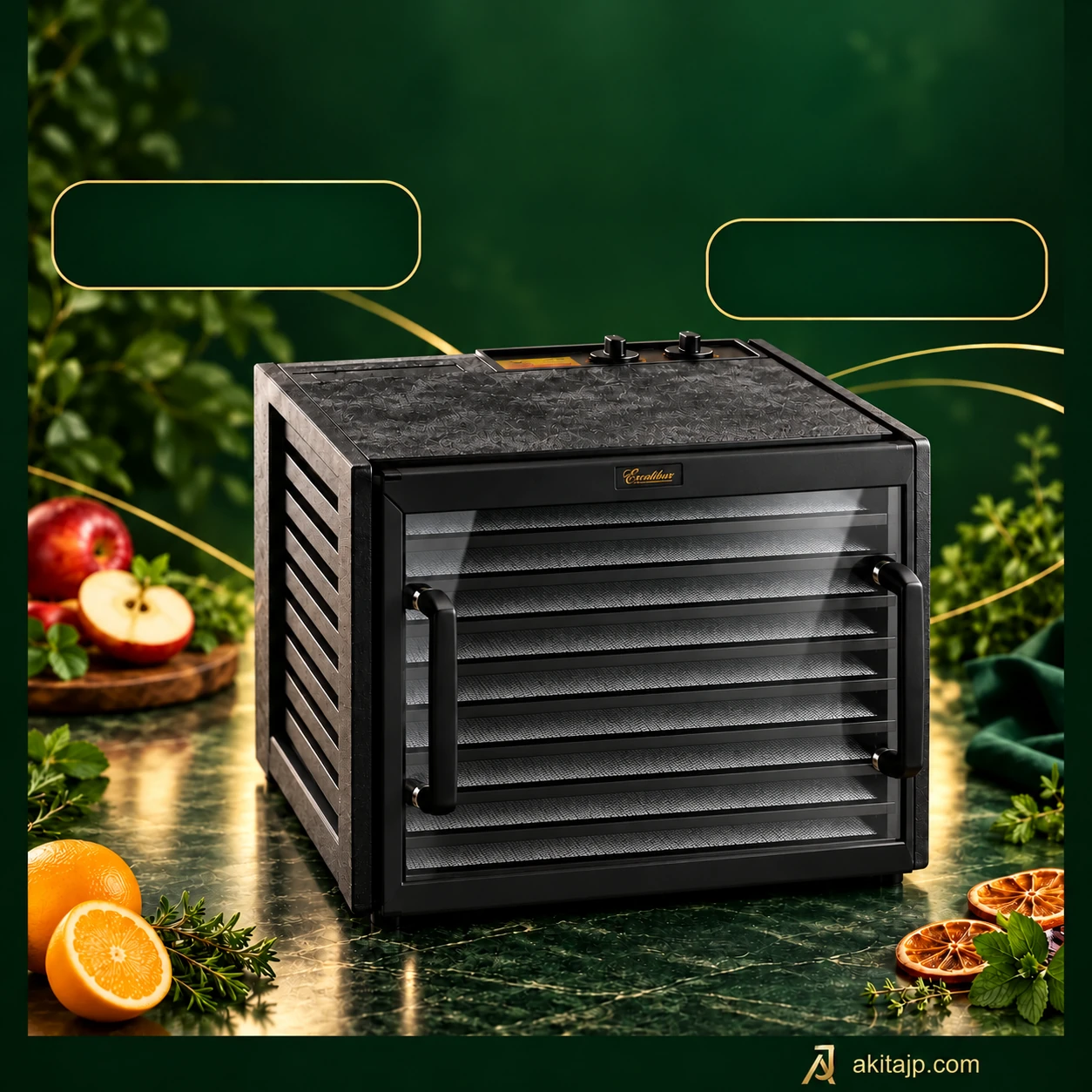
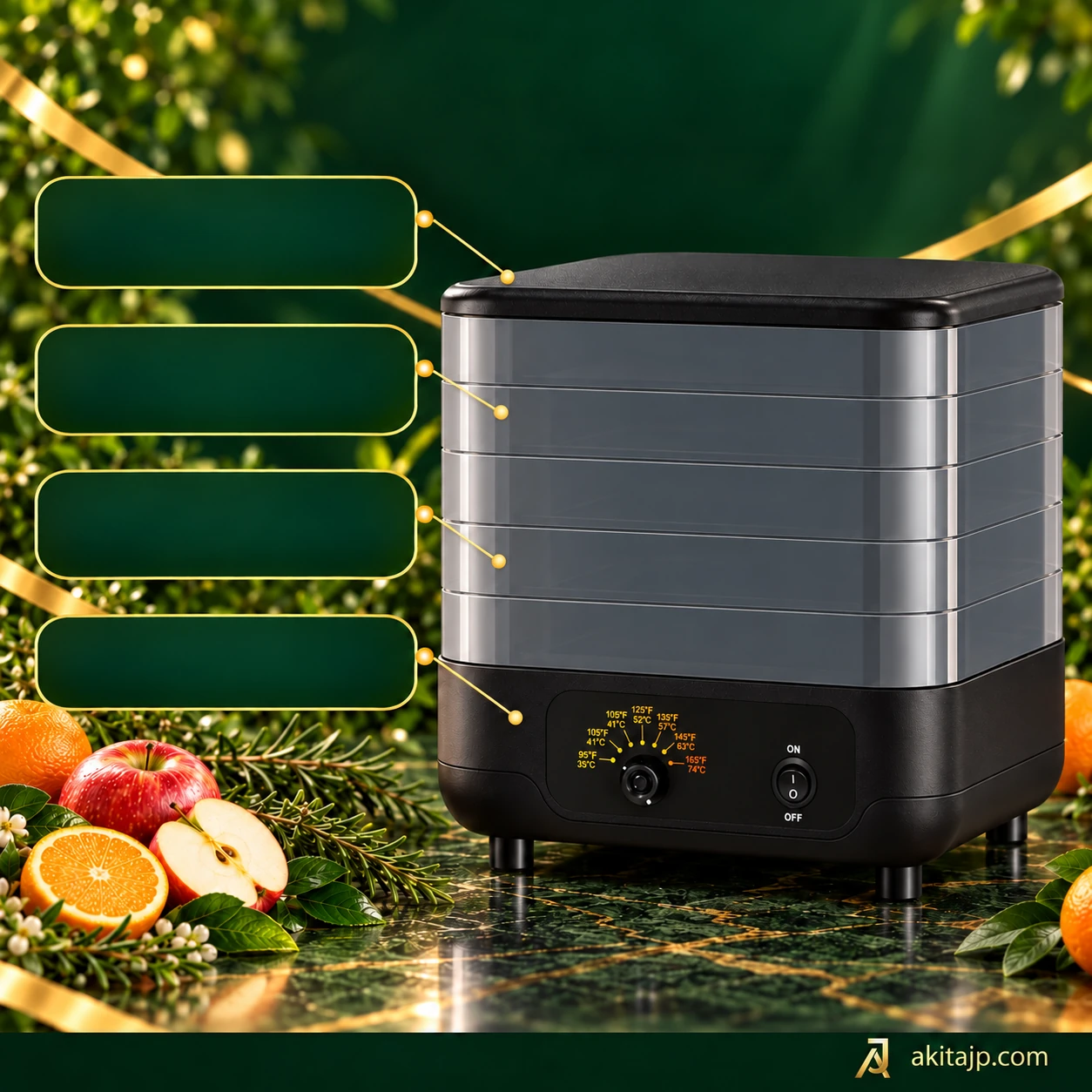
Choosing the stacking arrangement

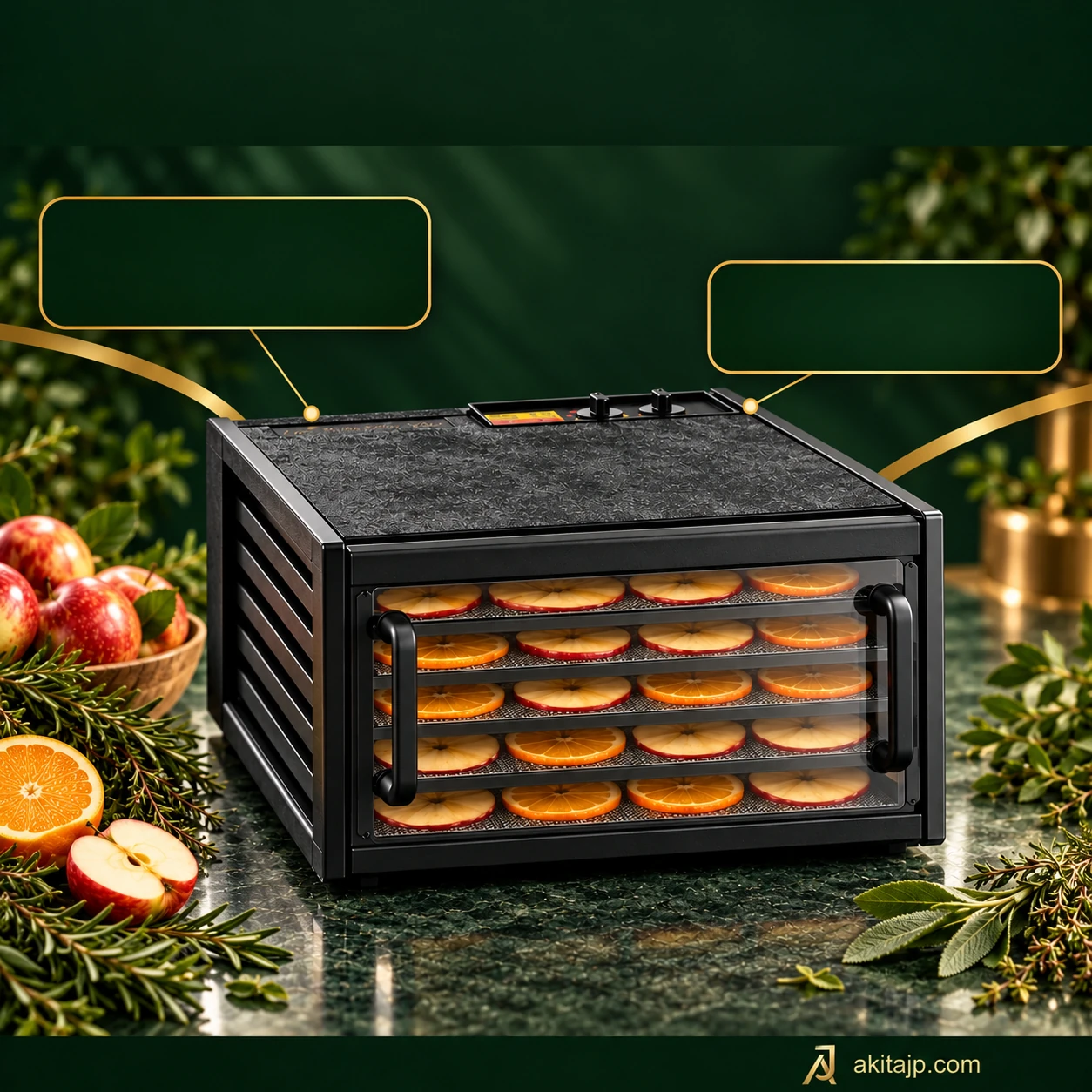
Stacking levels give each batch a different loading routine from a front-opening cabinet: prepare the trays, build the stack and fit the lid as directed. To inspect a lower level you may need to lift off the levels above it. Avoid assuming that instructions for an Excalibur rear-fan cabinet also apply to this design.

The reference bundle lists mesh screens, fruit-roll sheets and yoghurt cups, with a stated 35–74°C adjustment range. Their inclusion, materials and intended use should be checked against the exact package and manual. No verified wattage, drying area, built-in timer or tray-expansion limit is supplied here; those gaps should not be filled with figures from a similar-looking model.

Excalibur Cube ECB52BF

Excalibur / Before you choose

Find your fit.

Excalibur 4526TCDB

Drying and preparation

Load the five trays in a single layer and leave space around the cabinet for ventilation. Set the thermostat and timer for the ingredients and assess dryness before storage.

Compare drying formats and controls

Figures refer to the stated package. Optional trays, regional revisions and operating limits need confirmation; see the dehydrator buying guide.

Care and cleaning

Unplug and cool the cabinet, then remove the trays and mesh for gentle cleaning. Wipe the clear front with a soft cloth and keep the rear electrical assembly dry.

Excalibur

Compare.

Compare up to 4 models

Models

Excalibur 4526TCDB · Excalibur 4500220F · Excalibur Cube ECB52BF · Excalibur Performance 10-Tray Digital · Excalibur Performance 6-Tray Digital · Excalibur Select 10-Tray Digital · Excalibur EXC10ELF · Excalibur 2400220F · Excalibur 4548CDFB · Excalibur 4926TCD220FB · Excalibur 4926T220FB · Excalibur 4948CDFB · Excalibur RES10F

Excalibur RES10

External video loads only after you press Play. The provider receives connection data and may use cookies. Original audio; subtitles depend on the provider. Follow the manual for your supplied version.

Excalibur · YouTube

All brands

Compare up to 4 models

Excalibur / Compare

Compare.

ModelsCompare
Excalibur 4526TCDB
Included trays5
ControlsAnalog
Power440 W
Excalibur 4500220F
Included trays5
ControlsAnalog
Power440 W
Excalibur Cube ECB52BF
Included trays5
ControlsManual
OperationElectric
Excalibur Performance 10-Tray Digital
Included trays10
ControlsDigital
Power800 W
Excalibur Performance 6-Tray Digital
Included trays6
ControlsDigital
Power600 W
Excalibur Select 10-Tray Digital
Included trays10
ControlsDigital
Power800 W
Excalibur EXC10ELF
Included trays10
ControlsDigital
Power600 W
Excalibur 2400220F
Included trays4
ControlsAnalog
Power220 W
Excalibur 4548CDFB
Included trays5
ControlsDigital
Power440 W
Excalibur 4926TCD220FB
Included trays9
ControlsAnalog
Power600 W
Excalibur 4926T220FB
Included trays9
ControlsAnalog
Power600 W
Excalibur 4948CDFB
Included trays9
ControlsDigital
PowerNot confirmed for this model; do not infer from five-tray versions
Excalibur RES10F
Included trays10
ControlsDigital
Power550 W regional reference; not independently established by the RES10 manual

Excalibur / Models

Explore the models

Excalibur

Questions.

Does the 4526TCDB change temperature automatically?

Its analogue thermostat and timer do not programme a second temperature stage. Change the setting yourself when the recipe requires it, following the supplied manual.

Is its clear door the same as the 4500220F front?

No. This reference configuration has a clear front, while the 4500220F is listed with an opaque black door. Confirm the exact supplied door material and package.

Will the 4500220F stop after a chosen number of hours?

No built-in timer is listed for this configuration. You manage the session and switch it off in accordance with its manual.

Why choose it instead of the 4526TCDB?

It offers the simpler no-timer arrangement with an opaque front. Choose the 4526TCDB if a clear view and a built-in countdown matter more to your routine.

AKITAJP PRO / Excalibur

Find your fit.